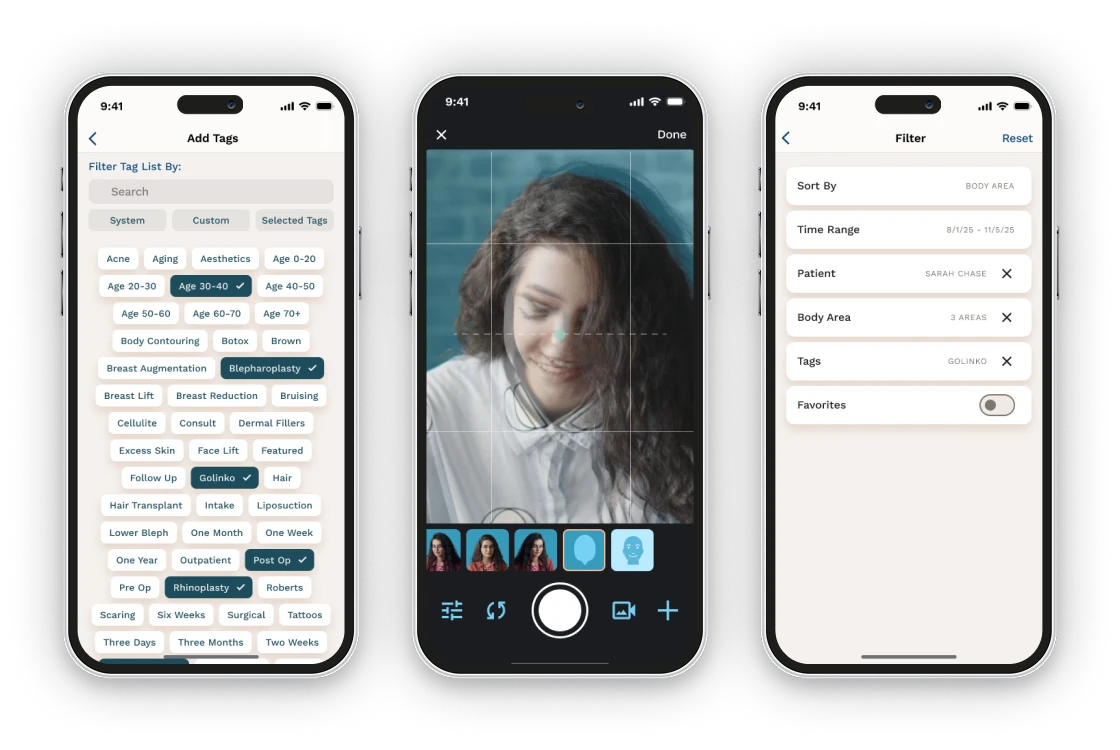
A camera built for clinical documentation
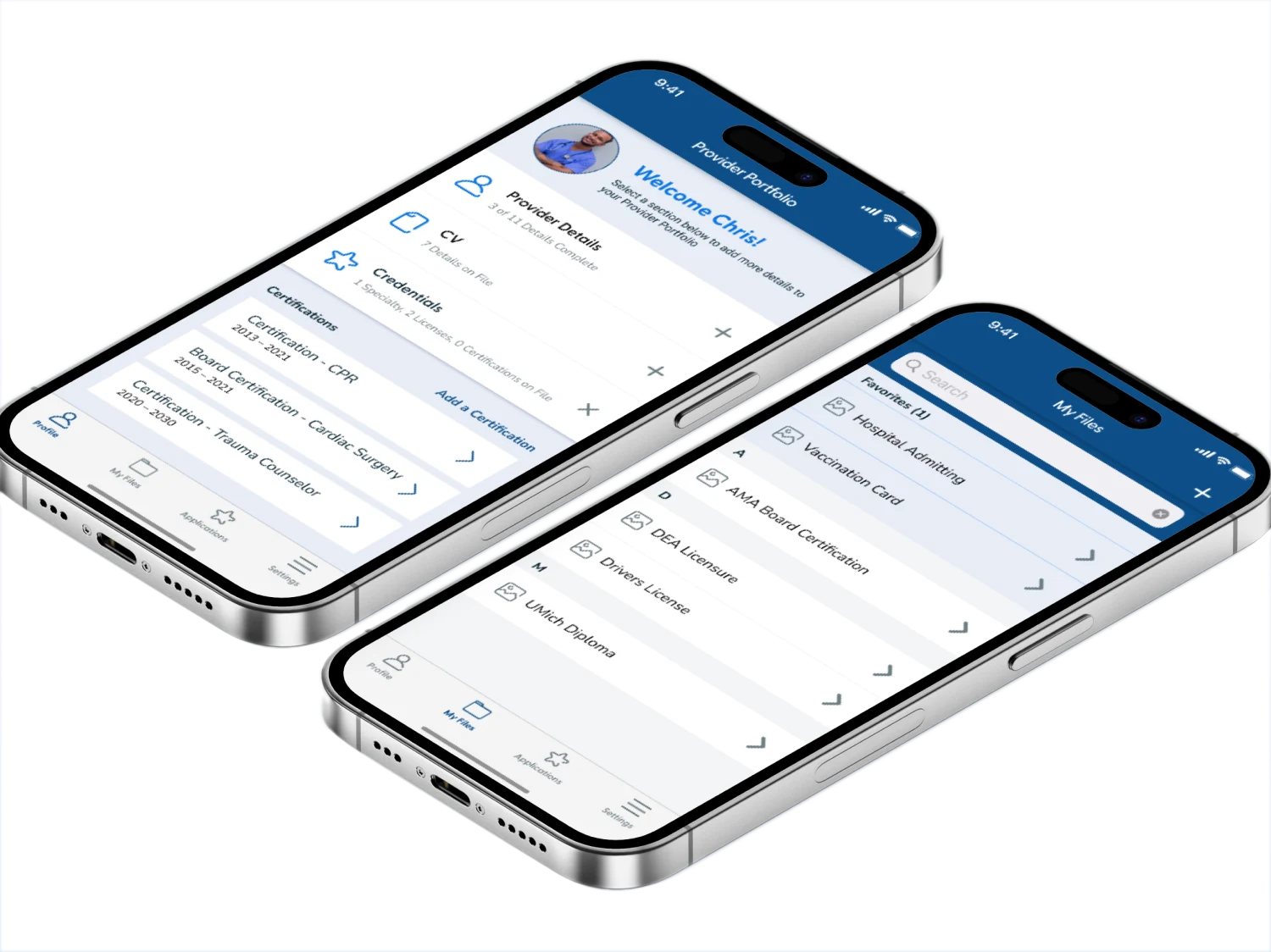
ImageAssist gives healthcare professionals a dedicated camera for patient photos. I helped turn an early research prototype into a commercial product, then continued designing as it grew.
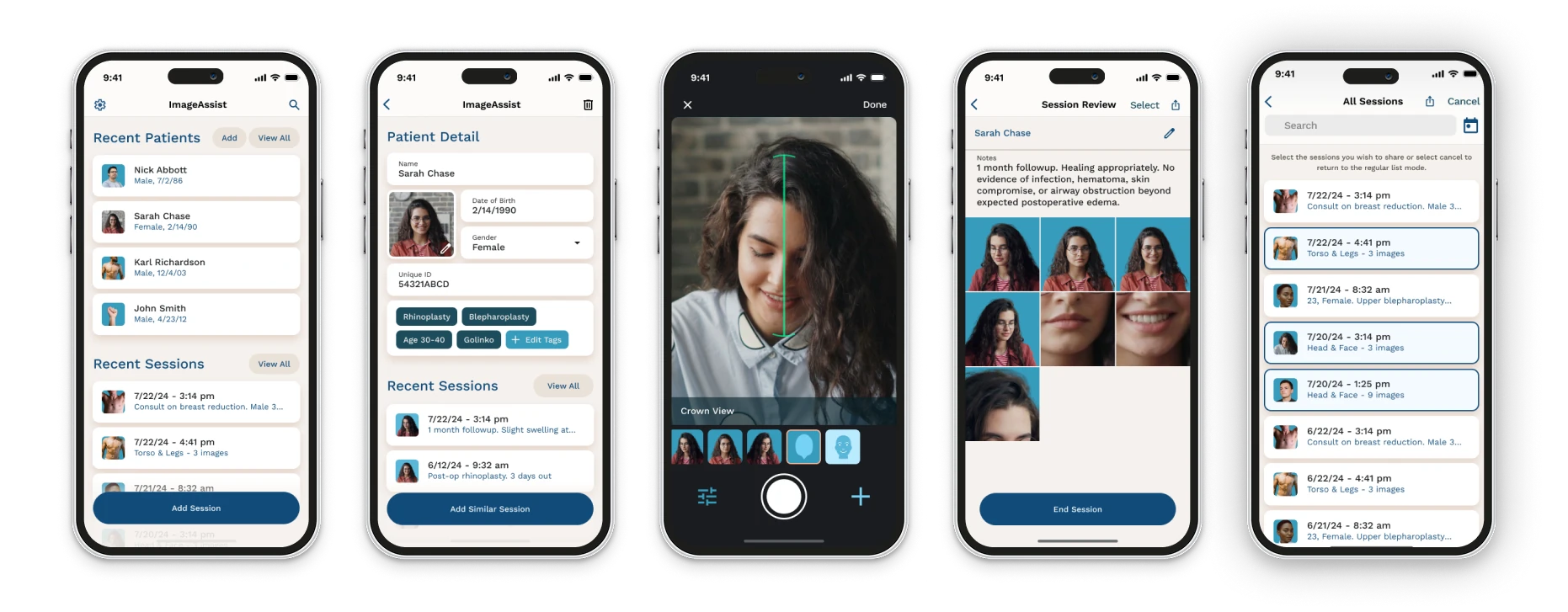
Hard to compare, harder to find
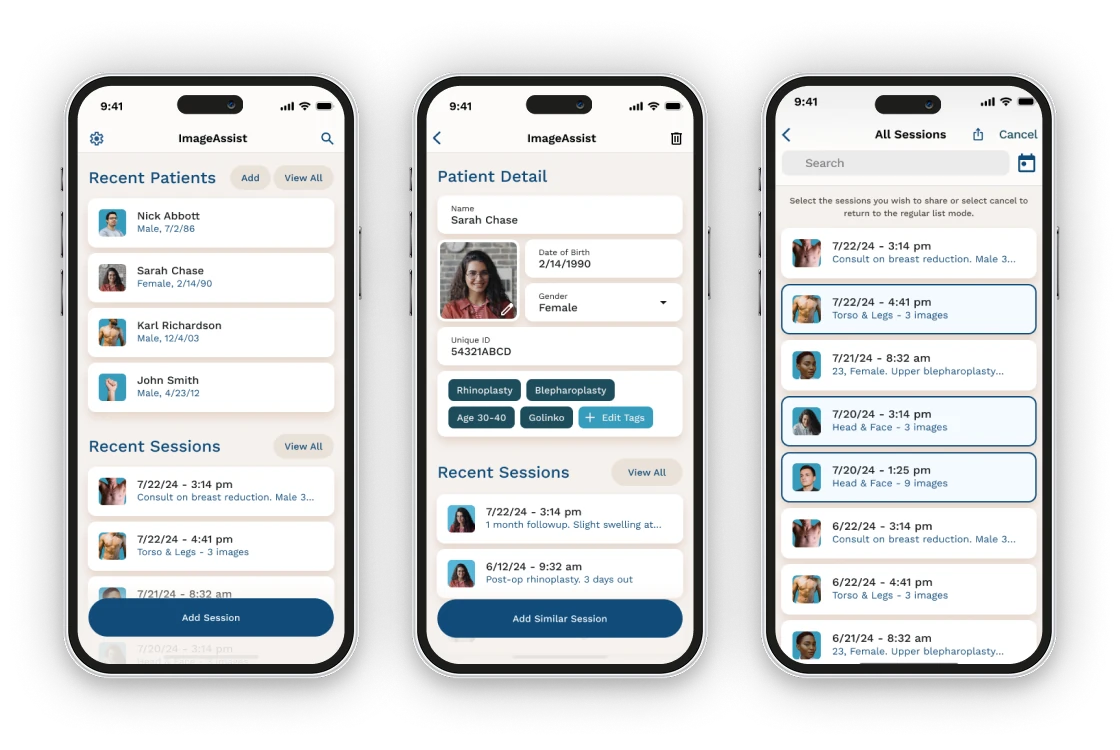
Clinicians need photos they can trust and compare, kept with the right patient.
Specialized functionality
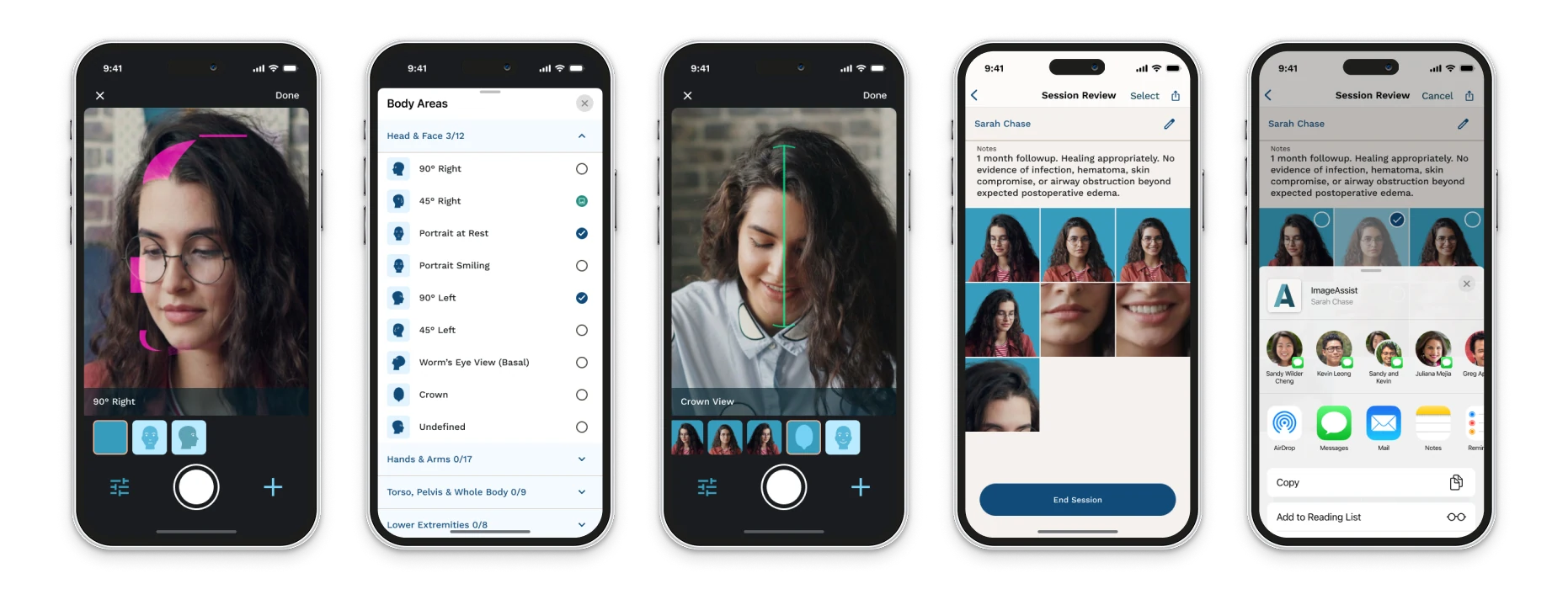
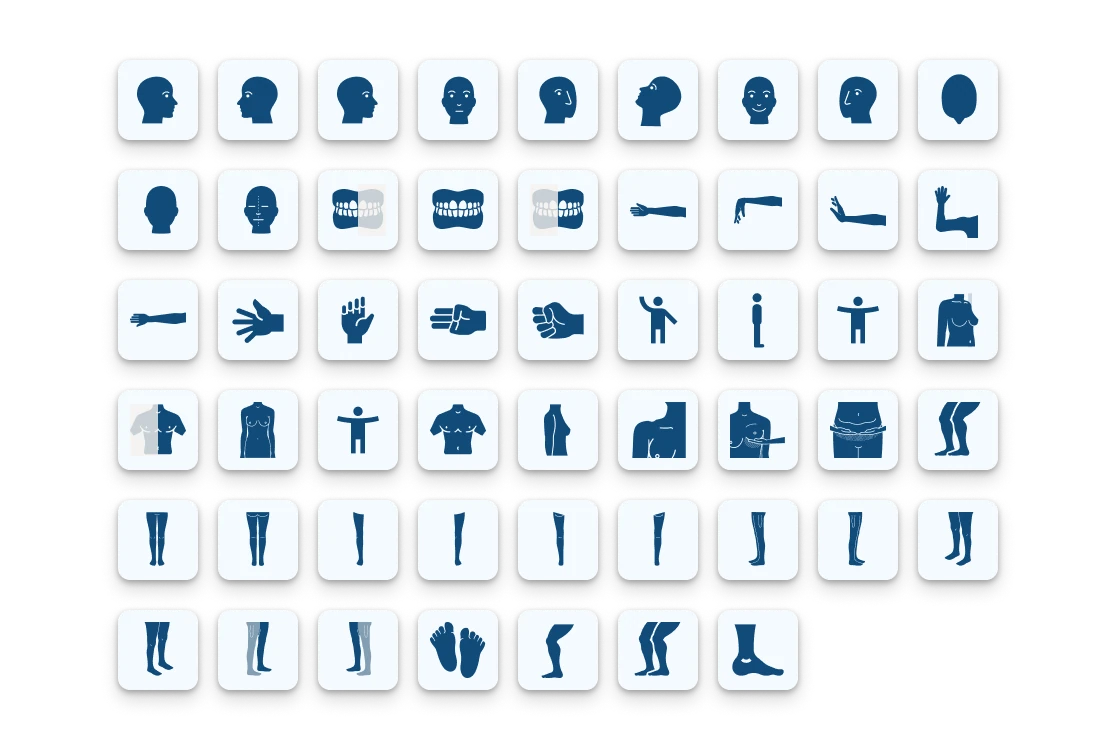
Clinical images are only useful if they can be compared. Photos can vary from session to session without tools for framing each shot the same way.
Clinical workflows
Standard camera apps weren’t built for clinical settings. Photos end up mixed in with personal images, they are hard to tie to the right patient, and can be difficult to find later. Keeping images organized quickly becomes a chore for clinical staff.
Making a research prototype ready for market
With a conference launch on the calendar, the IA team needed to turn a rough research prototype into a product ready for a commercial audience. Together we narrowed the MVP to what could realistically ship in time. Before development began, I built interactive prototypes of the full design so clinicians could try it and give feedback. Making changes at that stage, before any code existed, helped early budgets and let the developers move quickly with few revisions.
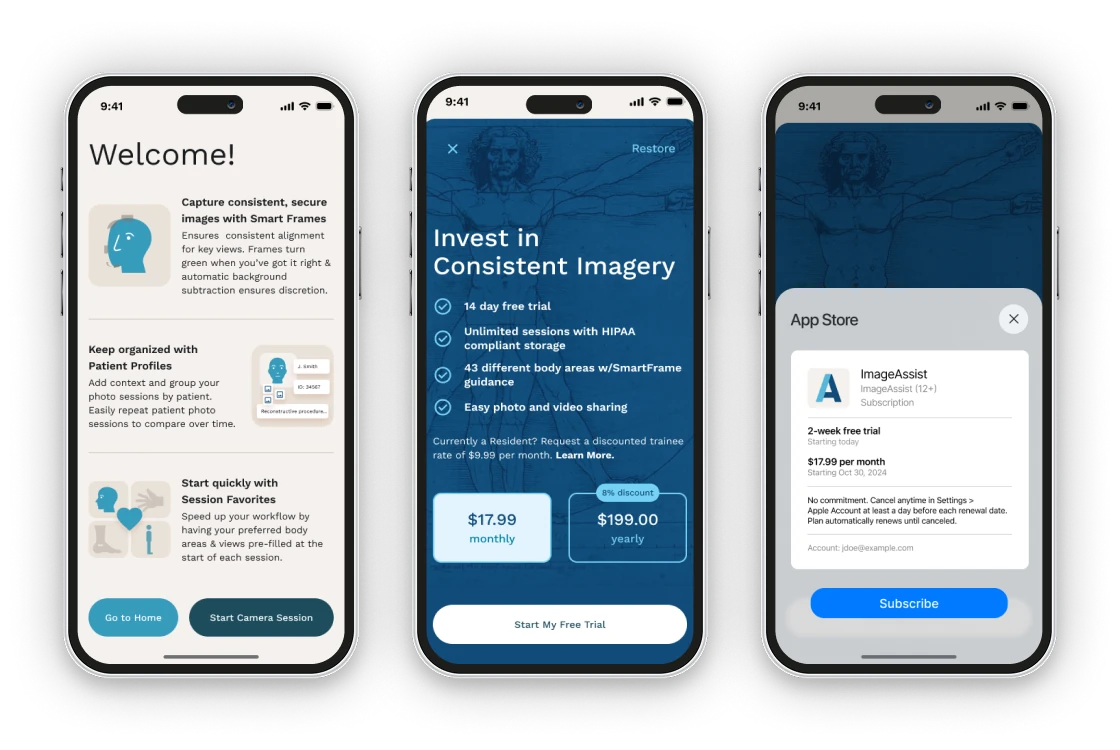
Because I’d guided products from idea to launch at LunarLincoln, my role grew past interface design. I helped the team choose development partners, understand the tradeoffs between tech stacks, and think through monetization for the next phase.